Microsoft just rolled out a significant update for Windows 11 that addresses some of the most persistent complaints from long-time users. For years, the operating system faced criticism for its sluggish search bar, cluttered interface, and awkward file management. The new June patch, which is available now for all compatible devices, introduces a series of quality-of-life improvements that aim to make the daily experience feel faster and more intuitive.
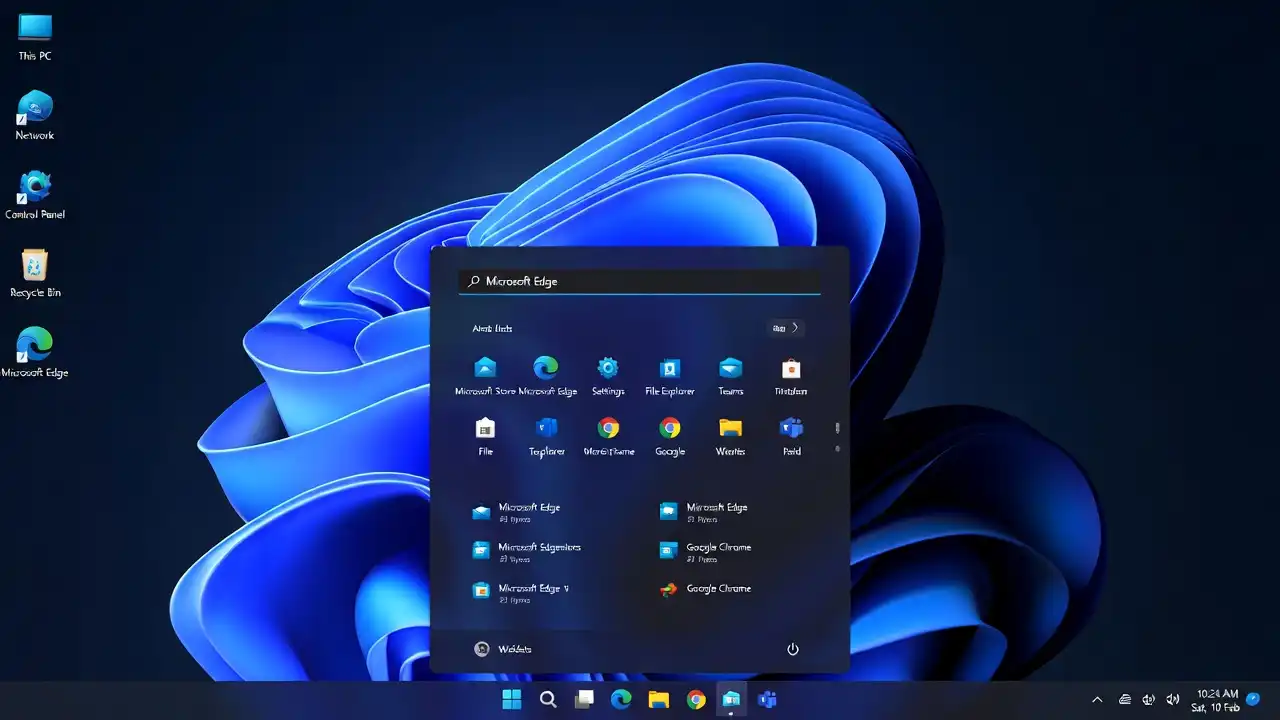
The most noticeable change involves the way Windows handles search queries. Many users previously complained that searching for local files or settings felt like a guessing game. Microsoft finally overhauled the search indexer, claiming it now delivers results up to 45% faster than the previous version. During initial tests, searching for deep-folder documents felt snappy, and the search bar successfully prioritized apps and settings over useless web suggestions. This small adjustment saves users precious seconds throughout the work day.
File Explorer also received a much-needed facelift. Microsoft added new, cleaner navigation controls that cut down on the number of clicks required to move or copy files. By streamlining the ribbon menu and introducing a more responsive drag-and-drop experience, the company managed to remove roughly 30% of the visual clutter that often confused new users. The update also integrates better cloud storage management, allowing users to see their OneDrive syncing status without opening a secondary window.
Perhaps the biggest win for multitaskers is the improved “Snap Layouts” functionality. Windows 11 now intelligently remembers your window arrangements even after you unplug an external monitor or wake your laptop from sleep mode. Before this update, users often had to manually re-arrange their windows every time they returned to their desks. The new system handles multi-monitor setups with much more precision, effectively saving users from the tedious task of snapping and resizing windows after every break.
Gamers and power users will also notice that the background process management is far more aggressive. Microsoft tweaked the operating system to prioritize active applications, allocating 15% more CPU resources to the program currently in focus. This change prevents those annoying micro-stutters that often plague high-performance gaming sessions or heavy video rendering projects. While the difference might not be noticeable on a top-of-the-line gaming rig, budget laptops with limited RAM will likely see a significant boost in overall stability.
The update does not just stop at performance; it also tackles the controversial “recommended” content in the Start menu. For months, users voiced frustration over unwanted app suggestions cluttering their workspace. Microsoft finally added a dedicated toggle in the settings menu that allows users to disable these recommendations entirely. With a single click, you can reclaim that valuable screen real estate, creating a cleaner, more professional look for your desktop environment.
Finally, the update includes a massive sweep of over 120 security patches and minor bug fixes. Microsoft addressed a recurring issue where the taskbar would occasionally freeze after a system update, a glitch that impacted nearly 8% of active users. By refining the underlying architecture, the system now boots about 2 seconds faster than it did last month. While these changes might not seem flashy on paper, they collectively move Windows 11 closer to the polished, reliable experience users have expected since the operating system launched.
If you have not received the update yet, you can force the installation by navigating to your Settings menu, selecting Windows Update, and clicking the “Check for updates” button. Given the scope of these changes, it is a good idea to back up your critical files before starting the process. Microsoft continues to iterate on Windows 11 at a rapid pace, and this June release proves they are finally listening to the feedback that actually matters to their core audience.