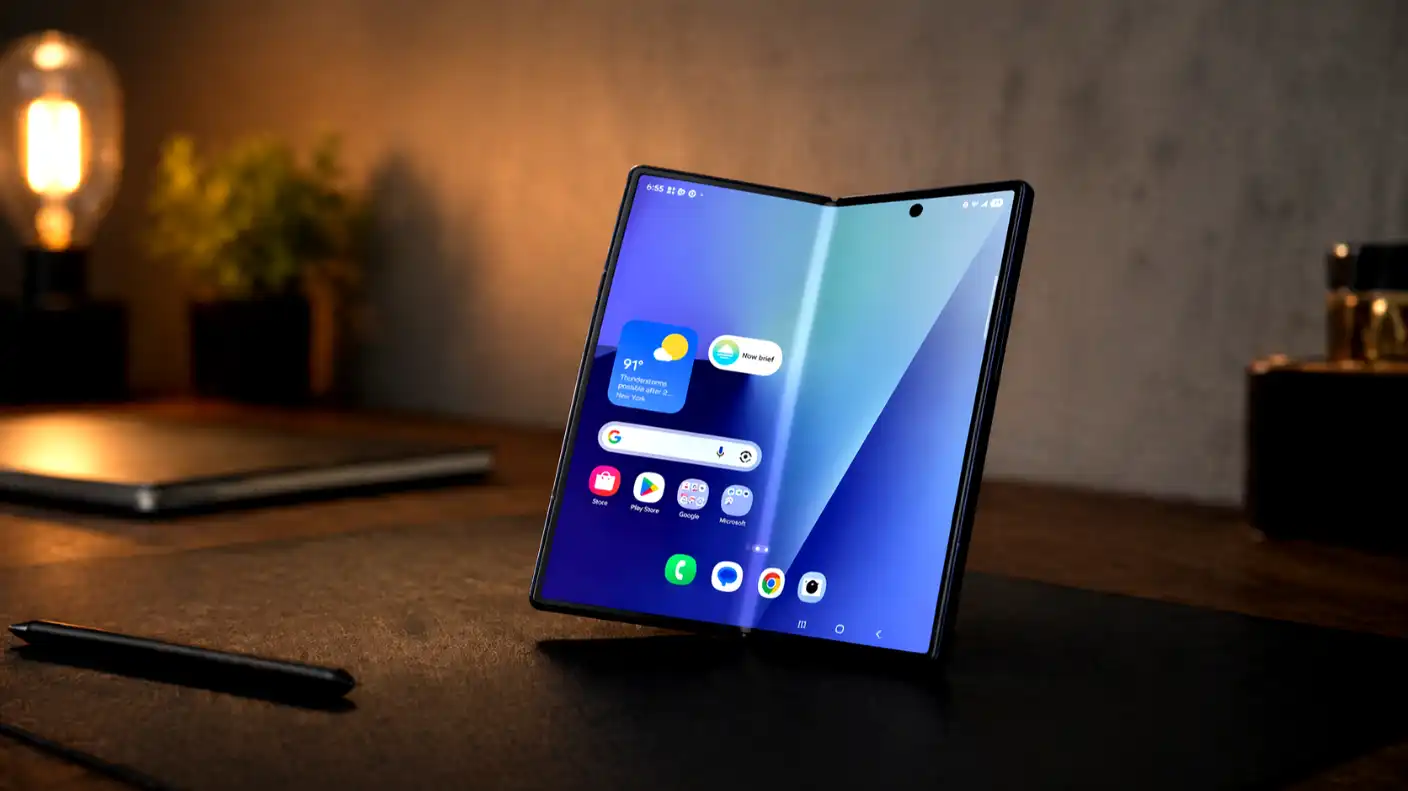
Samsung is ending a major, deeply integrated system feature on its smartphones, and millions of Galaxy owners will have to change how they back up their photos. Samsung and Microsoft confirmed that the native Samsung Gallery sync with Microsoft OneDrive will completely stop working on September 30, 2026. This native connection allowed users to seamlessly upload all their captured pictures and videos to the cloud directly inside the phone’s stock Gallery app. This direct integration meant people did not have to download any extra standalone backup applications to keep their files secure.
The partnership between the two technology giants began about seven years ago in 2019. It served as a highly reliable alternative to Google Photos, giving Galaxy owners a way to back up their media without locking themselves entirely into the Google ecosystem. The stock Gallery app contains many thoughtful features that other third-party cloud apps lack, and it syncs nicely with the built-in camera software on Galaxy devices. Furthermore, users with a Windows 11 computer could easily access their photos as they synced automatically to their PC’s local folder.
Although the official shutdown deadline lies several months away, Samsung has already started winding down the service early. The company recently removed the option to link new accounts in the latest versions of the stock Gallery app. If you have not already set up the OneDrive integration on your Galaxy phone, the toggle to activate it simply does not appear in your settings anymore. Winding down features by blocking new users ahead of a final shutdown is common practice in the tech industry, but the early move caught many users off guard.
Thankfully, the upcoming termination of the service does not mean your files are in danger of deletion. Any photos and videos that you already synced to Microsoft’s servers will remain safe and sound in your storage. They will continue to exist in your cloud account, and you can still view them by visiting onedrive.com or logging into the standalone OneDrive mobile application on any compatible device. Microsoft will not delete or modify your existing library during this transition.
However, the change will directly affect how you view your media library on your phone. After the September 30, 2026 cutoff, the stock Samsung Gallery app will lose its direct link to your OneDrive storage account. This means that any cloud-only photos will immediately disappear from your phone’s default Gallery view. If you only keep the low-resolution previews on your local device storage, those will also vanish from your screen unless you take immediate action to protect them.
To prevent this sudden disappearance, you must download your original files back to your device before the service shuts down. Users can open the stock Gallery settings, select the option for the OneDrive sync, and tap on the button to download original files. Doing this will save the full-resolution photos directly to the phone’s internal storage, provided you have enough free gigabytes to hold them. This step is critical if you want to keep your entire photo collection visible inside the default Gallery app.
If you still want to back up your future photos and videos to OneDrive after the deadline, you must transition to a manual setup. Users have to download the standalone Microsoft OneDrive application from the Google Play Store. Once you install the app, you need to log in with your personal Microsoft account, open the account profile settings, and manually turn on the camera backup option. You will also need to grant the application full permissions to access your media files so it can upload new pictures in the background.
Of course, Galaxy owners have other cloud storage options if they want to move away from Microsoft completely. Google Photos remains the most popular backup solution for Android users, offering a standard 15 gigabytes of free storage. However, if you exceed that limit, you must pay for a premium subscription. The cost of cloud storage can quickly add up, typically priced at $1.99 per month for 100 gigabytes of space, or up to $9.99 per month for a larger 2-terabyte plan. Other options, such as Dropbox or custom home servers, also provide excellent alternatives for those seeking complete independence.
The sudden end of this long-term integration likely stems from a change in business strategy. Microsoft’s massive cloud division generates billions of dollars in revenue every single quarter, showing a steady 12% growth rate year over year. The decision to sever this seamless system link likely comes down to renegotiations over licensing fees and platform integration costs. Samsung may also want to encourage users to explore its own digital services or focus on deeper integrations with other operating system features.
Ultimately, Samsung device owners must act before the autumn deadline to avoid any headaches. Make sure to download your original photos from your cloud settings to keep them on your device, and configure a new backup method for your upcoming memories. Whether you choose to download the standalone Microsoft app or migrate your entire collection to a competitor, taking these steps now will ensure your precious personal photos remain safe and easily accessible.